Three technology stories from 2025 still shape how you should use your phone in 2026: location data being sold more widely than many people expected, free cloud storage filling up faster than the marketing suggested, and AI generated pages and apps flooding search results. Each one has a practical Android response.
This article summarises the public lessons from those stories for Indian Android users. It is not a claim that we broke the stories ourselves, and it does not invent private leak documents. For settings steps, follow Android’s current menus on your phone.
Story 1: Location Data Was Being Shared More Broadly Than People Expected
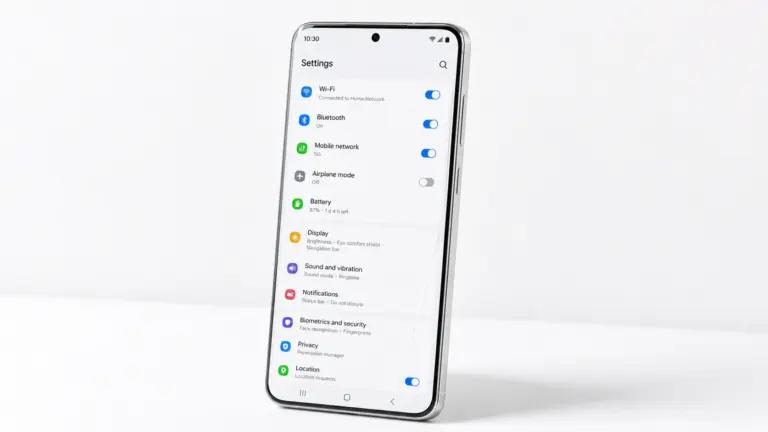
Investigations and enforcement actions in recent years showed how advertising and data brokers can infer where you go from apps and SDKs that request location. On Android, the useful response is simple: set location to While using the app for almost everything, deny it for apps that do not need it, and turn off Google Location History if you do not use it.
- Open Settings, then Location, then App location permissions.
- Set most apps to Allow only while using the app.
- Deny location for torch, wallpaper, cleaners and random utility apps.
- In your Google account’s Data and privacy controls, review Location History and Timeline.
More detail sits in how to protect privacy on Android.
Story 2: The Real Cost of Free Cloud Storage
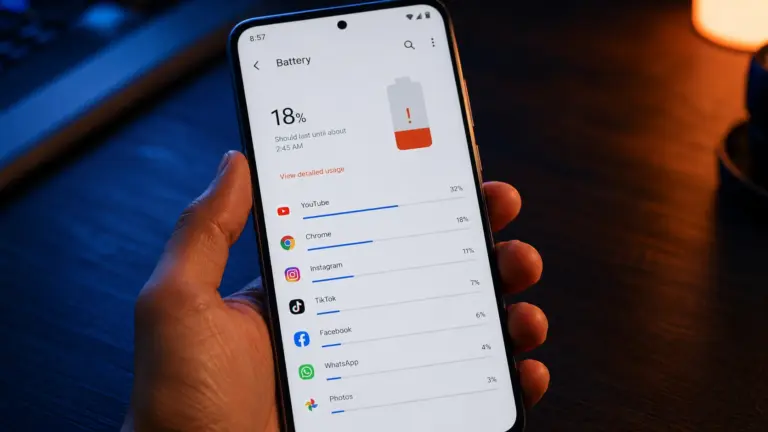
Free tiers on Google Photos, Drive and similar services still fill up, especially if you back up every WhatsApp image at original quality. In India, that often means a sudden stop to backups right when the phone storage is also full. The fix is deliberate: compress backups, clear WhatsApp media you do not need, and keep a second copy of irreplaceable photos.
- In Google Photos, check your storage number in the library tab and turn on the storage saver or compressed backup option your account offers.
- In WhatsApp, Settings, Storage and data, manage storage, and delete old videos first.
- Move treasured albums to a computer or a second service you control.
- Do not pay for a cleaner app that only deletes caches you can clear yourself.
Step by step cleanup is in how to free up storage on Android and Google Photos tips most people never use.
Story 3: AI Content Flooded Search Results and App Stores
Low effort AI pages and app descriptions made it harder to trust the first result you see. The response as a reader is to prefer primary sources, recent reviews with specifics, and sites that show their method. As an Android user, read recent Play Store reviews carefully before install, using how to read app reviews before installing.
What These Stories Share
Each story punishes autopilot settings: always on location, endless free backup, and trusting the first star rating. A few deliberate choices beat any paid privacy app.
Frequently Asked Questions
How do I see which apps used location recently?
On many phones, Settings, Location, Location services or App location permissions shows recent access. Exact names vary by brand.
Is Google Photos still fine to use?
Yes for many people, if you watch your storage quota and use compressed backup when needed. Keep an extra copy of once in a lifetime photos.
How can I tell if a tech article was written carelessly with AI?
Look for vague claims, no sources, no dates, no India specific prices or carriers, and no steps you can verify on your own phone.
Do I need a paid VPN because of location stories?
Not for this alone. Fix app permissions first. A VPN helps on public Wi-Fi, but it does not fix apps you have already granted location to.